 PawPad
Privacy
PawPad
Privacy
Lost the TV remote in the blanket again?
PawPad turns your Android phone into a Bluetooth keyboard and trackpad for your Android TV. Nothing to install on the TV: it pairs like any Bluetooth keyboard and mouse.
Coming soon to Google PlayA trackpad that feels like a laptop
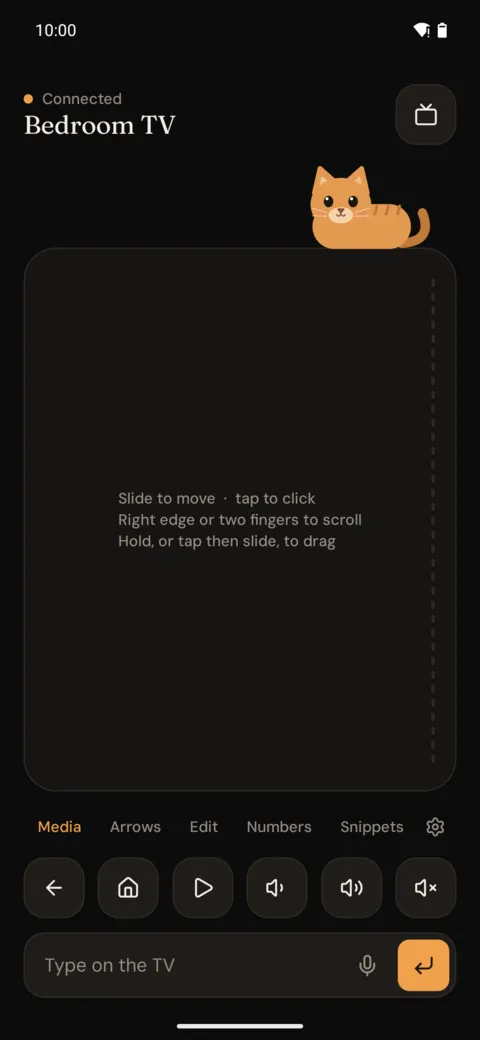
- Slide to move, tap to click, two-finger tap to right-click
- Scroll with two fingers or the strip on the right edge
- Hold, or tap then slide, to drag
- Adjustable pointer and scroll speed
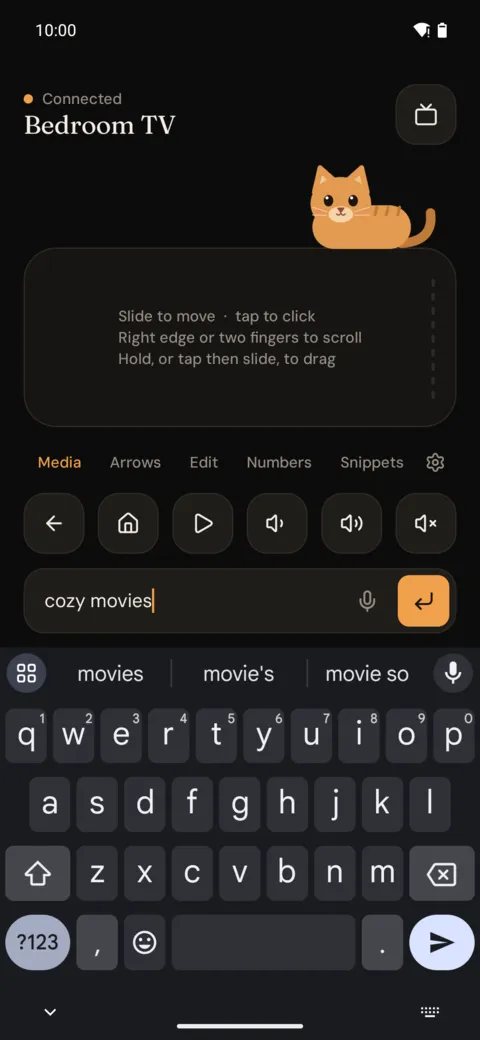
Type with your own keyboard, or just talk
- Your phone's keyboard, autocorrect and swipe included
- Voice typing with your phone's speech recognizer
- Share a link or text from any app straight to the TV
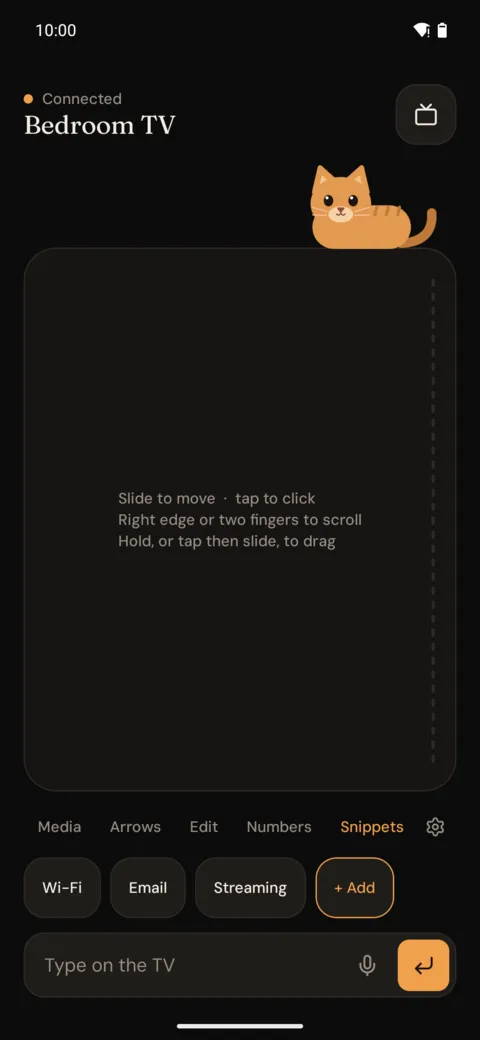
Snippets for the boring stuff
Save Wi-Fi passwords, emails and logins and type them on the TV with one tap. Snippets are encrypted with a key in the Android Keystore and hidden while your phone is locked.
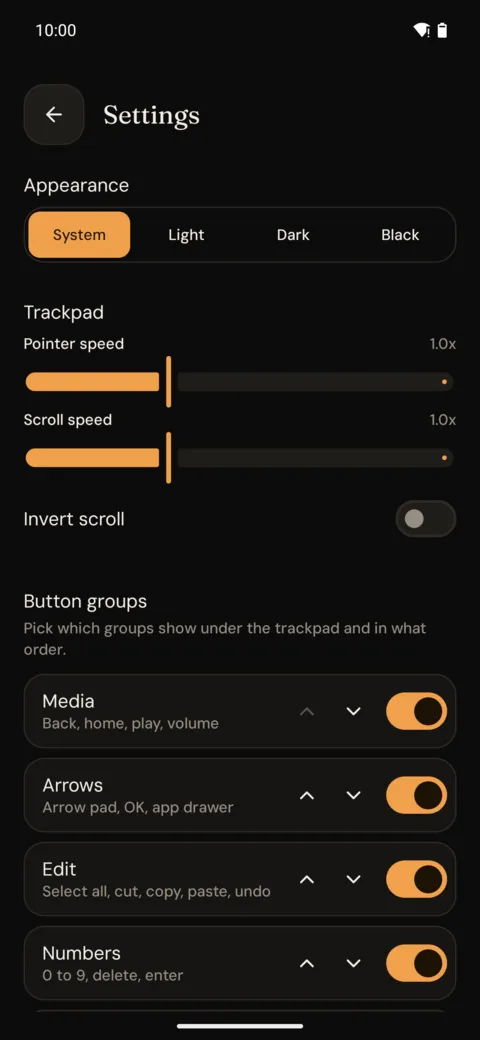
Only the buttons you use
Media, arrows, edit, numbers and snippets. Show, hide and reorder the groups, and pick a light, dark or pure black theme.
Works from the lock screen
No unlocking in the dark.
Volume keys control the TV
The buttons on the side of your phone just work.
Remembers your TV
Reconnects on its own, switch devices in two taps.
No ads, no accounts
Nothing collected. Input goes from your phone to your TV over Bluetooth.